
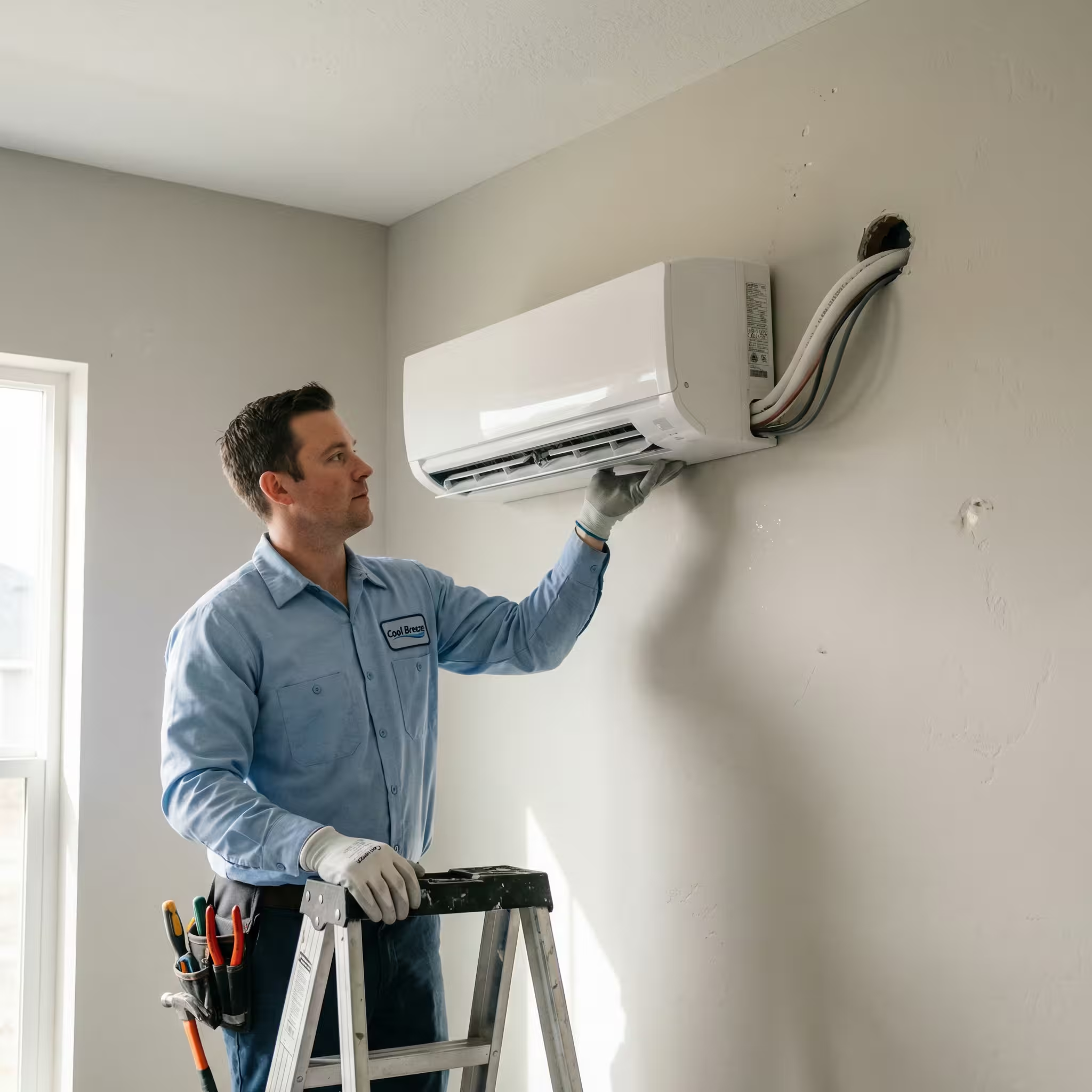
AC Not Cooling? Here's What to Check First
There's nothing more frustrating than coming home on a sweltering Florida day to find your air conditioner running but not cooling your house. Before you panic and call for emergency service, there are several things you can check yourself that might solve the problem—or at least help you understand what's wrong.
Let's walk through the most common causes of an AC that's not cooling properly, starting with the simplest fixes you can try right now.
Quick Diagnostic: Is Your AC Running at All?
Before diving into troubleshooting, determine exactly what's happening:
Is the outdoor unit running? Go outside and check if the condenser fan is spinning and you can hear the compressor humming.
Is the indoor unit running? Listen for the sound of air moving through your vents.
What's coming out of your vents? Is it warm air, room temperature air, or just very weak cool air?
Your answers will help narrow down the problem. Now let's work through the checklist.
1. Check Your Thermostat Settings (The Easiest Fix)
It sounds too simple, but thermostat issues cause a surprising number of "my AC isn't working" calls. Here's what to verify:
Confirm the Mode Setting
Make sure your thermostat is set to "COOL" not "HEAT" or "OFF." It's easy to accidentally change this setting, especially if you have kids or if someone else adjusted it recently.
Check the Temperature Setting
Your thermostat should be set at least 3-5 degrees below your current room temperature. If it's set to 78°F and your house is already 77°F, your AC won't run.
Verify the Fan Setting
Check if the fan is set to "AUTO" or "ON":
- AUTO - Fan only runs when the AC is cooling (normal setting)
- ON - Fan runs continuously, even when not cooling
If set to "ON," you'll feel air from the vents even when the AC isn't actively cooling. This can create the illusion that your AC is blowing warm air when it's actually just circulating room-temperature air.
Replace Dead Batteries
If you have a battery-powered thermostat, dead batteries can cause erratic behavior or prevent the thermostat from communicating with your system. Replace them and see if that solves the issue.
Reset Your Thermostat
Sometimes a simple reset can fix communication glitches:
- Turn off the thermostat
- Flip the AC breaker off for 30 seconds
- Turn the breaker back on
- Turn the thermostat back on
2. Check and Replace Your Air Filter
A clogged air filter is one of the most common causes of AC cooling problems—and one of the easiest to fix.
Why Dirty Filters Stop Cooling
When your filter is clogged with dust, pet hair, and debris, it restricts airflow through your system. This causes:
- Reduced cooling capacity
- Frozen evaporator coils (which completely stops cooling)
- System overheating and shutdowns
- Higher energy bills
How to Check Your Filter
- Locate your filter (usually at the return air vent or in the air handler)
- Remove it carefully
- Hold it up to a light source
If you can't see light through it, it's too dirty.
Replace It Immediately
Don't try to clean a disposable filter—just replace it. In Florida's dusty climate, especially if you have pets, you might need to change filters monthly rather than the standard 1-3 months.
Pro tip: Set a recurring reminder on your phone to check your filter on the first of every month.
3. Inspect Your Circuit Breakers
Your AC system has two breakers—one for the indoor unit and one for the outdoor unit. If either trips, your system won't cool properly.
Check Your Electrical Panel
- Locate your main electrical panel
- Look for any breakers in the "tripped" position (halfway between ON and OFF)
- If you find a tripped breaker, flip it fully OFF first, then back to ON
What If the Breaker Trips Again?
If the breaker trips immediately after you reset it, don't keep trying. This indicates a serious electrical problem that requires professional attention. Continuing to reset it could cause damage or create a fire hazard.
4. Examine Your Outdoor Condenser Unit
Your outdoor unit (the condenser) needs to be clean and unobstructed to work properly.
Clear Debris and Vegetation
Walk around your outdoor unit and remove:
- Leaves, grass clippings, and plant debris
- Weeds or plants growing near the unit
- Any objects stored against it
- Dirt, mud, or debris on the fins
Maintain at least 2 feet of clearance around the entire unit for proper airflow.
Check If the Fan Is Running
With your AC turned on, go outside and verify:
- The fan is spinning (you should see the blades moving)
- You can hear the compressor humming
- Air is blowing out of the top of the unit
If the fan isn't running but you hear humming, this could indicate:
- A failed fan motor
- A bad capacitor
- Electrical issues
This requires professional repair.
Inspect the Condenser Coils
Look at the fins on the outdoor unit (the metal grill-like exterior):
- Are they bent, damaged, or crushed?
- Are they caked with dirt, cottonwood seeds, or debris?
- Is there visible damage from lawn equipment or hail?
Dirty or damaged coils drastically reduce cooling efficiency. While you can gently spray the outside with a garden hose (with the power off!), badly clogged or damaged coils need professional cleaning or repair.
5. Look for Ice Buildup (Frozen Evaporator Coils)
If your AC is running but not cooling, check for ice formation—a common problem in Florida's humid climate.
Where to Look
- On the refrigerant lines going into your house
- Inside the air handler cabinet (if you can safely access it)
- On the copper pipes near the indoor unit
What Ice Means
Ice on your AC components indicates:
- Restricted airflow (dirty filter, blocked vents, duct problems)
- Low refrigerant (leak in the system)
- Blower motor failure
- Dirty evaporator coils
What to Do About Ice
Immediate steps:
- Turn off your AC system completely
- Turn the thermostat fan to "ON" (not AUTO) to help melt the ice
- Don't turn the AC back on until all ice has melted (2-4 hours)
After the ice melts:
- Replace your air filter
- Check that all vents are open and unblocked
- Try running the AC again
If ice returns quickly, you have a refrigerant leak or mechanical problem that needs professional repair.
6. Verify All Vents Are Open and Unblocked
Blocked or closed vents restrict airflow and can prevent proper cooling.
Check Every Room
Walk through your house and verify:
- All supply vents (where cool air comes out) are fully open
- No furniture, curtains, or objects are blocking vents
- Return vents (where air goes back to the system) are unobstructed
- No vents are closed to "save energy" (this actually hurts efficiency)
Important: Closing vents in unused rooms doesn't save energy—it reduces airflow and makes your system work harder.
7. Check for Refrigerant Leaks (Visual Inspection Only)
Refrigerant leaks are a common cause of AC systems that run but don't cool. While you can't safely handle refrigerant yourself, you can look for signs of a leak:
Visual Clues
- Ice formation on refrigerant lines or coils
- Oil stains or residue around refrigerant connections
- Hissing or bubbling sounds when the AC runs
- Your AC runs constantly but never reaches the set temperature
What Low Refrigerant Means
Refrigerant doesn't "run out" like gas in a car—if it's low, there's a leak. Simply adding refrigerant without fixing the leak is a temporary fix that will cost you more money in the long run.
This requires professional repair. HVAC technicians have special equipment to find leaks, properly recover old refrigerant, repair the leak, and recharge the system to the correct level.
8. Listen for Unusual Sounds
Strange noises often point to specific problems:
Clicking sounds (indoor unit):
- Thermostat relay problems
- Control board issues
Hissing or bubbling:
- Refrigerant leak
- Compressor issues
Grinding or squealing:
- Failing motor bearings
- Belt problems
Banging or clanking:
- Loose or broken internal components
- Debris in the outdoor unit
If you hear any unusual sounds, note when they occur and what they sound like—this information helps technicians diagnose the problem faster.
9. Test Your Condensate Drain Line
Your AC removes moisture from the air, which drains away through the condensate line. If this line clogs, some systems have a safety switch that shuts down the AC to prevent water damage.
Check the Drain Line
- Locate the condensate drain line (usually a PVC pipe near your indoor unit)
- Look at the drain pan beneath the indoor unit
- Check if there's standing water in the pan
Clear a Clogged Drain
If you find standing water:
- Turn off your AC
- Use a wet/dry vacuum to suction water from the drain line
- Pour a cup of distilled vinegar down the drain line to kill algae and mold
- Flush with water
If water backs up immediately or you can't clear the clog, call a professional.
10. Consider the Age and Condition of Your System
Sometimes an AC that's not cooling well is simply reaching the end of its lifespan.
Age Factors
- 0-5 years: Should work great with basic maintenance
- 5-10 years: May need occasional repairs but should cool well
- 10-15 years: Increasing repairs expected; efficiency declining
- 15+ years: Major repairs may not be cost-effective
Signs It Might Be Time for Replacement
- System is over 15 years old
- Requires frequent repairs (more than twice per year)
- Uses R-22 refrigerant (being phased out; very expensive)
- Repairs cost more than 50% of replacement value
- Energy bills keep rising even with maintenance
When to Call a Professional (Don't DIY These Issues)
You've checked everything you safely can. It's time to call an HVAC professional if:
Immediate Professional Help Needed:
- Refrigerant issues - Requires EPA certification and special equipment
- Electrical problems - Dangerous for non-professionals
- Compressor failure - Major repair requiring expertise
- Frozen coils that keep freezing - Indicates underlying mechanical problem
- Strange chemical or burning smells - Potential safety hazard
- No cooling after checking all basics - Requires diagnostic equipment
What Professionals Can Do That You Can't:
- Safely handle refrigerants
- Test electrical components with specialized meters
- Measure airflow and temperature differential accurately
- Diagnose compressor and motor problems
- Replace major components
- Perform deep cleaning of internal components
- Assess whether repair or replacement makes financial sense
Prevention: How to Avoid "No Cooling" Problems
Most AC cooling failures can be prevented with regular maintenance:
Monthly:
- Check and replace air filters
- Ensure vents are open and unblocked
- Clear debris from outdoor unit
Seasonally (Spring):
- Schedule professional maintenance
- Have coils cleaned
- Check refrigerant levels
- Test all components
As Needed:
- Clear condensate drain line
- Monitor system performance
- Watch for warning signs
The Bottom Line: Your AC Troubleshooting Checklist
When your AC isn't cooling, work through this checklist in order:
- ✓ Thermostat set to COOL, temperature below room temp, fan on AUTO
- ✓ Air filter clean (replace if dirty)
- ✓ Circuit breakers in ON position
- ✓ Outdoor unit clear of debris, fan running
- ✓ No ice on refrigerant lines or coils
- ✓ All vents open and unblocked
- ✓ No unusual sounds or smells
- ✓ Condensate drain clear
If you've checked all these and your AC still isn't cooling, it's time to call a professional. Don't suffer in the heat—some problems require expert diagnosis and repair.
Need Expert Help?
If you've worked through this checklist and your AC still isn't cooling properly, or if you've discovered a problem that needs professional attention, don't wait. The longer your AC runs improperly, the more damage it can cause and the more expensive repairs become.
Cool Breeze Air Systems provides fast, professional AC repair throughout Volusia County. Our experienced technicians can quickly diagnose and fix your cooling problems, getting you back to comfort fast.
Call us at 386-387-5564 for same-day service in Daytona Beach, Ormond Beach, and surrounding areas.


.svg)


